
The internet is a global system of connected networks that lets devices exchange data using shared rules. When you open a website, your device does not fetch one giant file in a straight line; it sends and receives many small packets through routers, servers, and protocols that cooperate behind the scenes.
For beginners, the useful idea is simple: the internet is not the same as Wi-Fi, a browser, or a website. Wi-Fi is one way to connect to a local network, the browser is the tool you use, and websites live on servers that your device reaches through the wider internet. Cloudflare’s beginner explanation of how the internet works is a helpful reference for this big-picture model.
Plain-English Internet Map: The internet works by connecting many networks together. Your device breaks requests into packets, uses addresses and routing to move them across networks, and relies on services such as DNS to turn human-friendly names into machine-friendly destinations.
Networks Connect to Other Networks
At home, your phone, laptop, smart TV, and printer may connect to a router. That router connects to your internet service provider. The provider connects to other networks, data centers, and exchange points. Large networks agree to pass traffic to each other using technical and commercial arrangements that most users never see. This is why a small device on a kitchen table can reach a website hosted in another country.
The word internet comes from the idea of internetworking: separate networks connected into a larger system. No single company owns every path. Instead, many organizations operate pieces of the infrastructure, including access providers, cloud platforms, hosting companies, content delivery networks, universities, governments, and network operators. That shared structure is why common standards matter so much.
From a Web Address to a Page Load
When you type a domain name, the first question is: where is that site? DNS, the Domain Name System, helps translate readable names into the numerical addresses computers use. ICANN describes its role in coordinating unique internet identifiers on its beginner guide to internet names and addresses. Once your device has the destination address, it can begin sending requests.
The website then returns the pieces needed to display the page: HTML, images, style files, scripts, fonts, and other resources. Your browser assembles those pieces into what you see. If one piece is slow, blocked, too large, or misconfigured, the page may feel delayed even when your internet connection is working. That is why web performance often involves hosting, file size, browser behavior, and network path, not just the plan you buy from an ISP.
Packets, Routing, and Protocols
Data usually travels in packets. A packet contains a piece of the message plus information that helps it reach the destination and come back in the right order. Routers examine address information and forward packets along available paths. Those paths can change depending on congestion, outages, or network policy. Cloudflare’s page on IP routing explains how routing helps packets move through many networks.
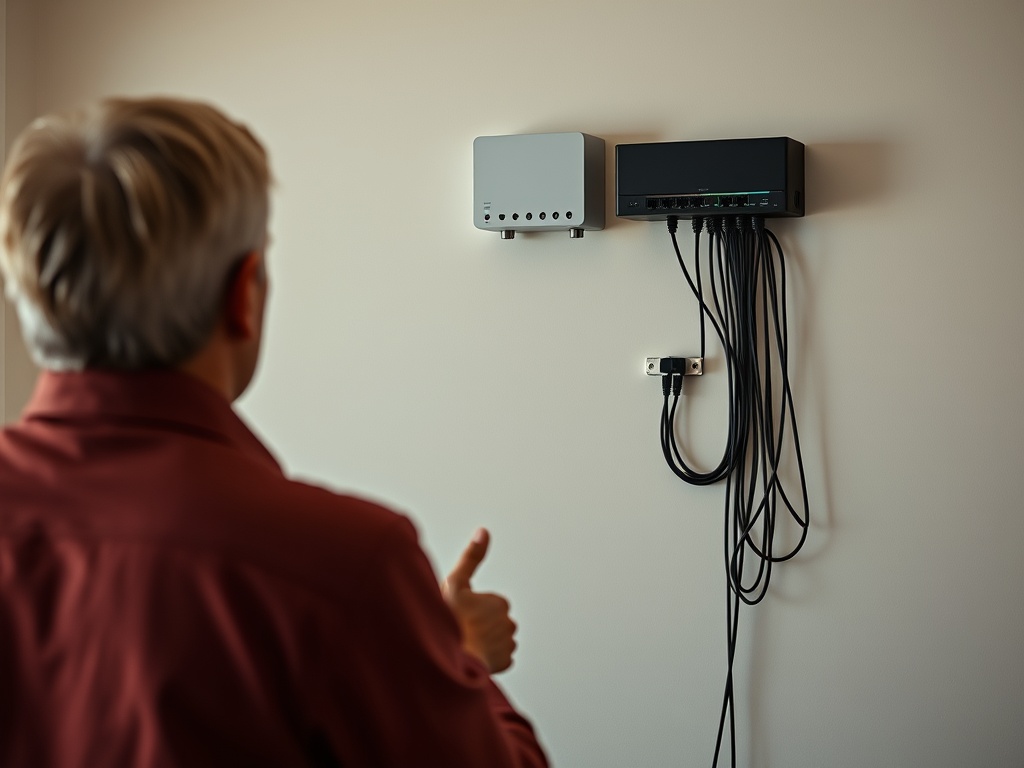
Protocols are the rules that make this exchange predictable. IP addresses help identify destinations. TCP can help deliver data reliably by checking that pieces arrive. HTTPS helps protect the connection between your browser and a website. Beginners do not need to memorize every protocol, but they should understand that the internet works because devices agree on shared rules. Without those rules, a laptop, server, router, and phone would not know how to communicate.
Why Speed Problems Have Many Causes
A slow page does not always mean your internet plan is bad. The issue could be weak Wi-Fi, an overloaded router, a distant server, a busy website, a DNS problem, too many browser extensions, or a page filled with heavy media. The same connection may load one site instantly and another slowly because those sites are built and hosted differently.
This is why troubleshooting should move outward. First check the device. Then check Wi-Fi signal and router placement. Then test another website. Then test another device. If every device and site is slow, the issue may be the router or provider. If only one page is slow, the website itself may be the bottleneck. For practical next steps, the router troubleshooting guide pairs well with this foundation.
What Beginners Should Learn Next
After the basics, focus on three areas. First, learn DNS because names and addresses explain many website errors. Second, learn routers and Wi-Fi because local network problems are common. Third, learn browser basics because caches, cookies, extensions, and permissions affect daily web use.
Website owners should also learn how search engines and performance intersect. A beginner-friendly SEO basics mistakes guide can show why crawlable pages, internal links, and page speed matter once you publish online. Users do not need to become network engineers, but a clear mental model helps them ask better questions when something breaks.
For everyday troubleshooting, keep the layers separate: device, local network, internet provider, destination service, and browser. That sequence prevents common confusion. A video call may fail because the laptop is overloaded, the room has weak Wi-Fi, the provider is having an outage, or the meeting service is degraded. Testing one layer at a time is slower than guessing but faster than changing settings randomly.
This model also clarifies why two people on the same street can have different internet experiences. Their providers, routers, building materials, devices, browsers, and the sites they visit may all differ. Once beginners see those layers, they can stop treating every failure as one giant mystery and start asking which part of the path needs attention.
Keep the Mental Model Simple
Think of the internet as a shared delivery system for data. Your device asks for something, DNS helps find the address, packets carry the request and response, routers move packets between networks, and your browser reconstructs the result. That model is enough to understand most everyday internet issues and to decide whether the problem is your device, your Wi-Fi, your provider, or the website you are trying to reach.
The best next step is to test this model the next time a page is slow: try another page, another device, and another connection. Each test removes one possible cause and makes the invisible system easier to understand. Keep notes on what changed so the next problem starts with evidence, not memory.